CrushOn AI Not Working in 2026: Troubleshooting Guide for Every Common Issue
CrushOn AI issues usually fall into one of three categories: server-side problems (platform is down), app/browser problems (your device), or account-specific problems (your subscription or settings). Most issues resolve with a simple refresh or cache clear. This guide walks through every common issue systematically so you can identify exactly what's happening and fix it quickly.
How to Check If CrushOn AI Is Down
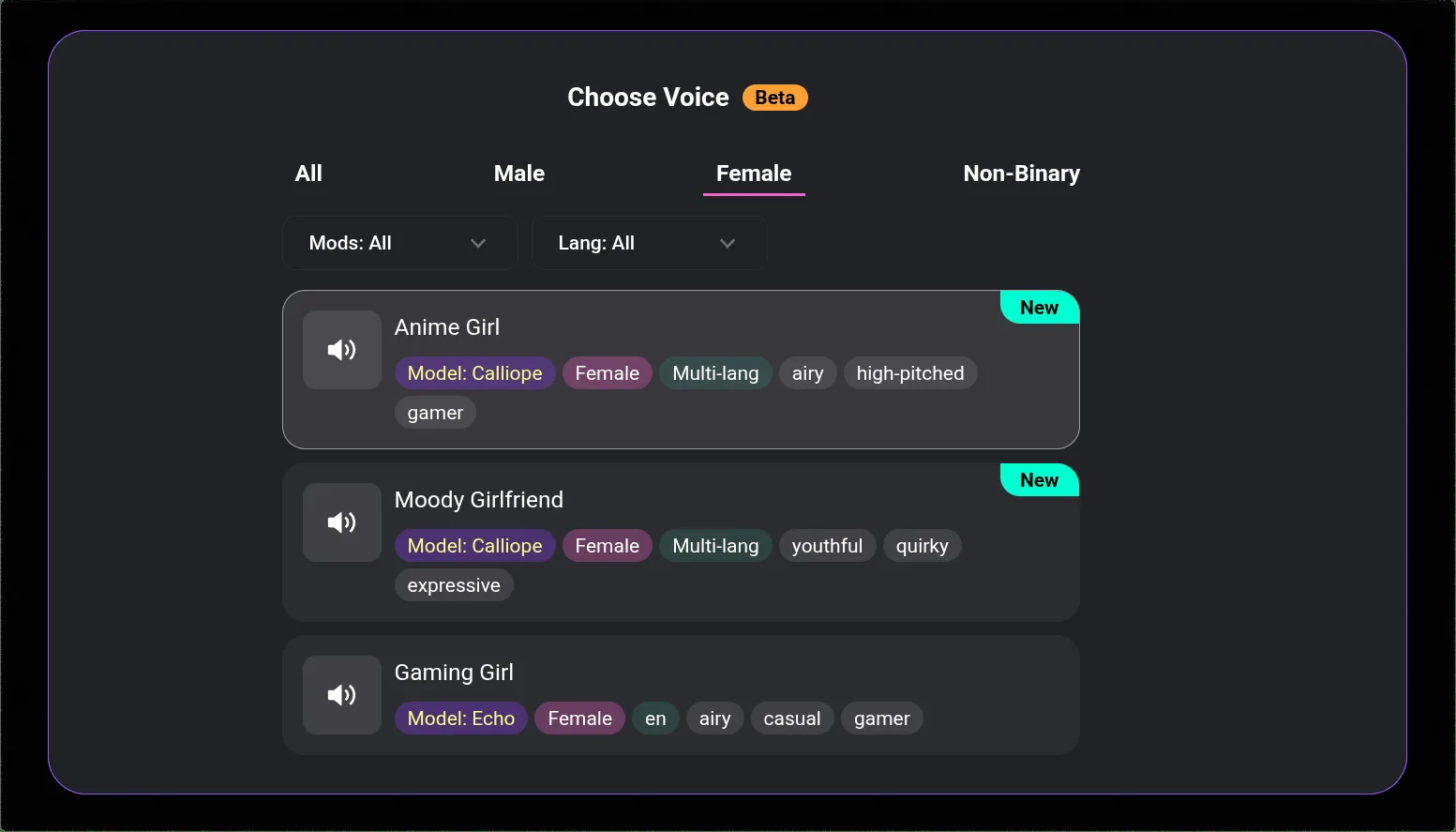
Before troubleshooting your own device, verify whether the problem is on CrushOn AI's end:
- Check Twitter @CrushonAI — the official account posts status updates during outages
- Try a different browser or device — if the issue is site-wide, both will fail; if only one fails, it's a local problem
- Check downdetector.com or isitdownrightnow.com — search for CrushOn AI to see recent user-reported issues
- Try the web version if using the app (or the app if using web) — platform-specific failures indicate the issue is on their servers for one interface
CrushOn AI downtime typically lasts minutes to a few hours. Extended outages are rare but do occur during major updates. If the platform is confirmed down, the only option is to wait for service restoration.
Most Common Issues and Fixes
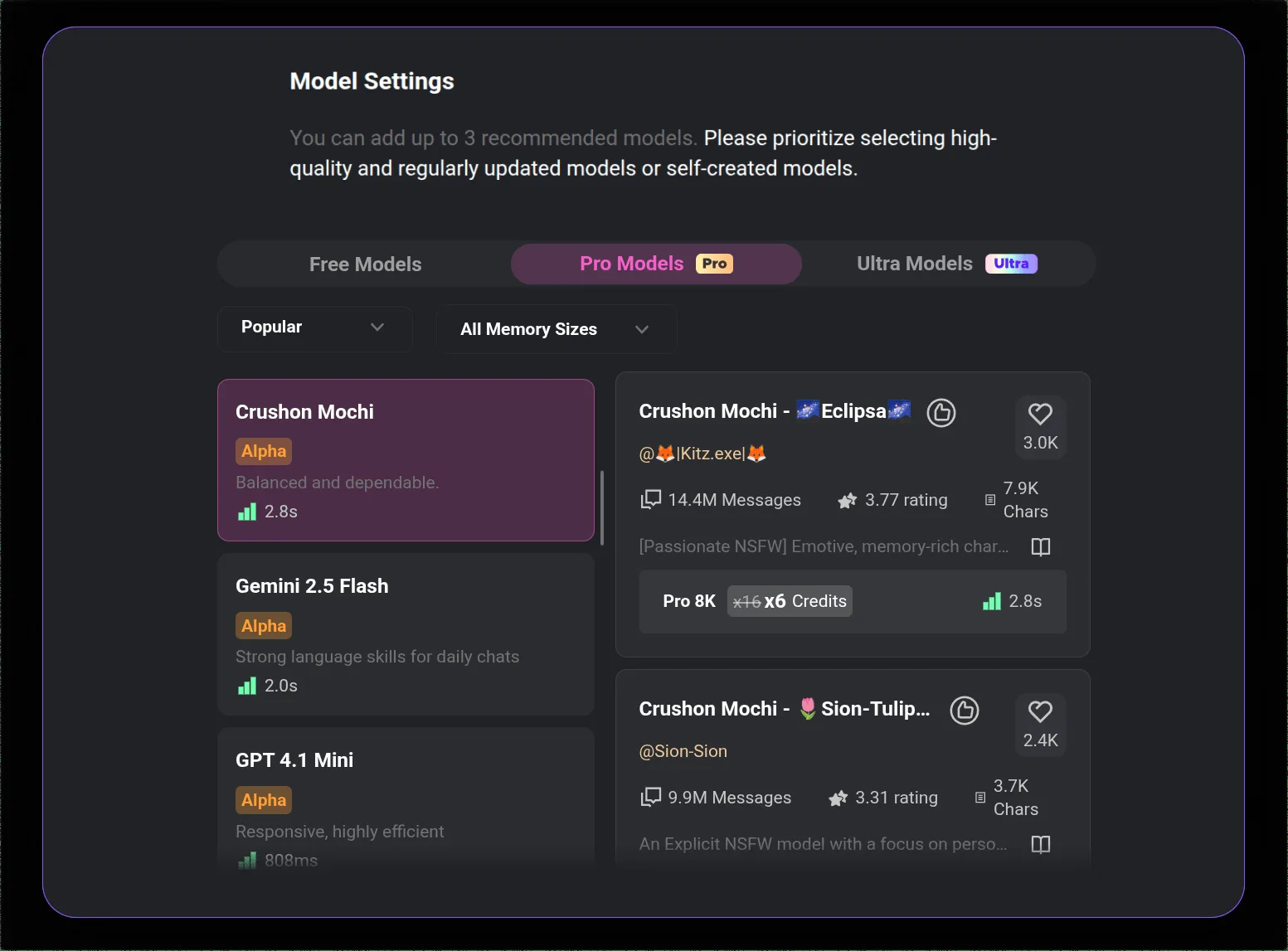
CrushOn AI Won't Load (Blank Page or Loading Spinner)
Most likely cause: Browser cache/cookie issue or temporary server congestion.
Fixes:
- Hard refresh: press Ctrl+Shift+R (Windows) or Cmd+Shift+R (Mac) in your browser
- Clear browser cache: Settings > Privacy > Clear Browsing Data > Cached Images and Files
- Disable browser extensions temporarily — ad blockers or privacy extensions can interfere with the loading process
- Try a different browser (Chrome, Firefox, Edge)
- Check if crushon.ai is accessible from a mobile device to isolate browser vs. network issues
CrushOn AI App Keeps Crashing
Most likely cause: Outdated app version or insufficient device storage.
Fixes:
- Update the app: check Google Play Store or the official crushon.ai APK page for the latest version
- Force close and reopen: Android Settings > Apps > CrushOn AI > Force Stop, then reopen
- Clear app cache: Android Settings > Apps > CrushOn AI > Storage > Clear Cache
- Ensure sufficient device storage — apps with less than 1-2GB free storage often crash
- Restart your device and try again
- Uninstall and reinstall the app as a last resort (this does not delete your account or conversations)
Messages Not Sending
Most likely cause: Server congestion during peak hours or connection interruption.
Fixes:
- Check your internet connection (try loading another site)
- Wait 30-60 seconds and resend
- Refresh the page/restart the app
- Switch to mobile data if on WiFi (or WiFi if on mobile data) to rule out ISP-specific routing issues
- Try the web version if using the app (server-side message processing can differ between interfaces)
Images Not Loading or "Image Not Found" Error
This is a known issue documented by CrushOn AI support that typically occurs during server congestion.
Fixes:
- Refresh the conversation page
- Wait and try generating a new image rather than retrying the failed one
- Clear browser cache
- If the issue persists: log out completely, clear cookies for crushon.ai, log back in
- Switch to the mobile app if using web (or vice versa)
CrushOn AI Repeating the Same Messages
The AI occasionally loops on similar response patterns, especially in long conversations.
Fixes:
- Start a new conversation — this is the most effective fix
- Switch AI models (from settings in the chat) — a different model often breaks repetition patterns
- Rephrase your last message significantly to give the AI a different entry point
- Send an explicit redirect: "Let's change direction. Tell me about [new topic]"
CrushOn AI DeepSeek Not Working
The DeepSeek model on CrushOn AI has reported instability issues in 2026, including session failures, inconsistent response quality, and occasionally unresponsive sessions.
Fix: Switch to a different model. In the conversation settings, select MythoMax, GPT-4o, or Claude 3.5 Sonnet. These models have been more stable than DeepSeek during this period. Check @CrushonAI on Twitter for current model status updates.
CrushOn AI Not Working on iPhone
The iOS situation has two components:
If the app crashes or won't load: Update to the latest iOS version (iOS 14+ required). Try uninstalling and reinstalling.
If the app isn't available in your App Store: The CrushOn AI iOS app has been temporarily removed from some regional App Stores due to NSFW content policies. Use the web version at crushon.ai in Safari instead — it has identical features.
Account Login Issues
Forgot password: Use the "Forgot Password" link on the login page. A reset email will arrive within a few minutes. Check spam if it doesn't appear.
Email not recognized: Ensure you're using the email address you registered with. If you signed up via Google or social login, use that login method rather than email/password.
Account suspended: Contact CrushOn AI support via the official website. Account suspensions are relatively rare and usually relate to content policy violations.
Ready to try CrushOn AI?
Visit CrushOn AIKnown Issues (May 2026)
| Issue | Status | Workaround |
|---|---|---|
| DeepSeek model instability | Ongoing | Switch to MythoMax or Claude 3.5 Sonnet |
| iOS App Store unavailability in some regions | Ongoing | Use web version at crushon.ai |
| "Image not found" during peak hours | Intermittent | Retry during off-peak hours |
| Slow response times on free tier | Expected | Upgrade for dedicated server capacity |
When to Contact CrushOn AI Support
Contact support if:
- Your account has been incorrectly charged
- Your account has been suspended without reason
- You cannot cancel a subscription through the normal interface
- A bug persists for more than 24 hours despite all troubleshooting attempts
Use the official support channel on the crushon.ai website. For billing issues through Subscribestar, contact Subscribestar support directly. For app store subscription issues, contact Apple or Google support through their respective platforms.
For account deletion and subscription cancellation instructions, see our account management guide. For download and app installation issues, see our download guide.
Frequently Asked Questions
Check @CrushonAI on Twitter for real-time status updates. You can also visit downdetector.com and search for CrushOn AI to see recent user reports. If the site loads on one device but not another, the issue is more likely local. If neither works and Twitter confirms an outage, wait for service restoration.
Most CrushOn AI downtime events last between a few minutes and a few hours. Extended outages lasting more than 4-6 hours are uncommon. Planned maintenance is usually announced on Twitter in advance.
The "image not found" error is a known issue associated with server congestion during peak usage hours. It means the image generation request was received but the delivery failed. Refreshing and retrying usually resolves it within a few attempts. Persistent failures may indicate a server-side issue — check Twitter for status updates.
Response speed varies by subscription tier. Free users share servers with a large user base, which causes slower response times. Standard subscribers get dedicated server capacity. Premium and Deluxe subscribers get priority processing. Peak hours (evenings in North America) are slowest regardless of tier.
The Android app on Google Play remains available in most countries. The iOS app has been removed from some regional App Stores due to Apple's content policies around NSFW material. Users in affected regions should use the web version at crushon.ai, which provides identical functionality.
Browser-specific loading failures are usually caused by cached data, cookies, or conflicting browser extensions. Hard refresh (Ctrl+Shift+R), clear cache, disable extensions temporarily, and retry. If Chrome specifically fails while other browsers work, the issue is in your Chrome profile — try a clean incognito window to confirm.