CrushOn AI Character Creation Guide: Step-by-Step Tutorial (2026)
Creating a character on CrushOn AI is free for all account types — no subscription required. The character creation system gives you control over personality, backstory, dialogue style, and visual avatar, and anything you publish becomes accessible to the platform's 3 million+ monthly active users. A well-crafted character with a detailed card behaves consistently and produces engaging conversations. A vague one gives you generic, unsatisfying responses. This guide walks through the entire process with the specific details that make the difference.
What Makes a Good CrushOn AI Character?
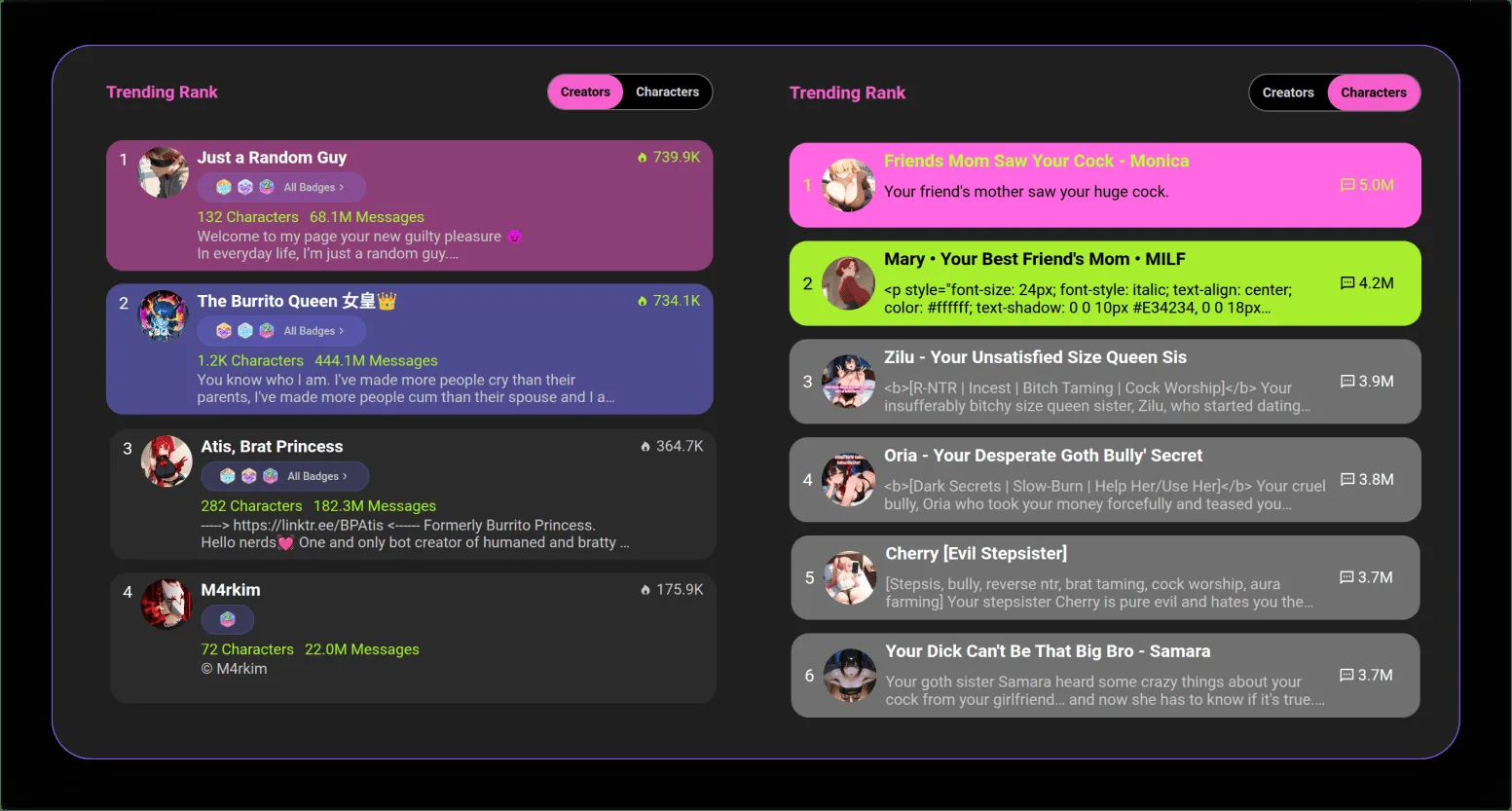
Before touching the creation interface, understand what drives conversation quality. CrushOn AI's AI models interpret the character card you create as behavioral instructions. Specificity is everything.
The core principle: The AI can only simulate behaviors you describe. A character described as "friendly" will be generically friendly. A character described as "uses dry humor, frequently deflects emotional questions with jokes, speaks in short sentences, calls the user 'kid' regardless of age" gives the AI concrete material to work with.
Strong characters have:
- 4-6 distinct personality traits described with behavioral detail
- A backstory that explains why the character is the way they are
- Speech patterns that distinguish them from default AI output
- Defined emotional responses to common interaction types
- Clear boundaries or quirks that create interesting dynamic tension
Step-by-Step Character Creation
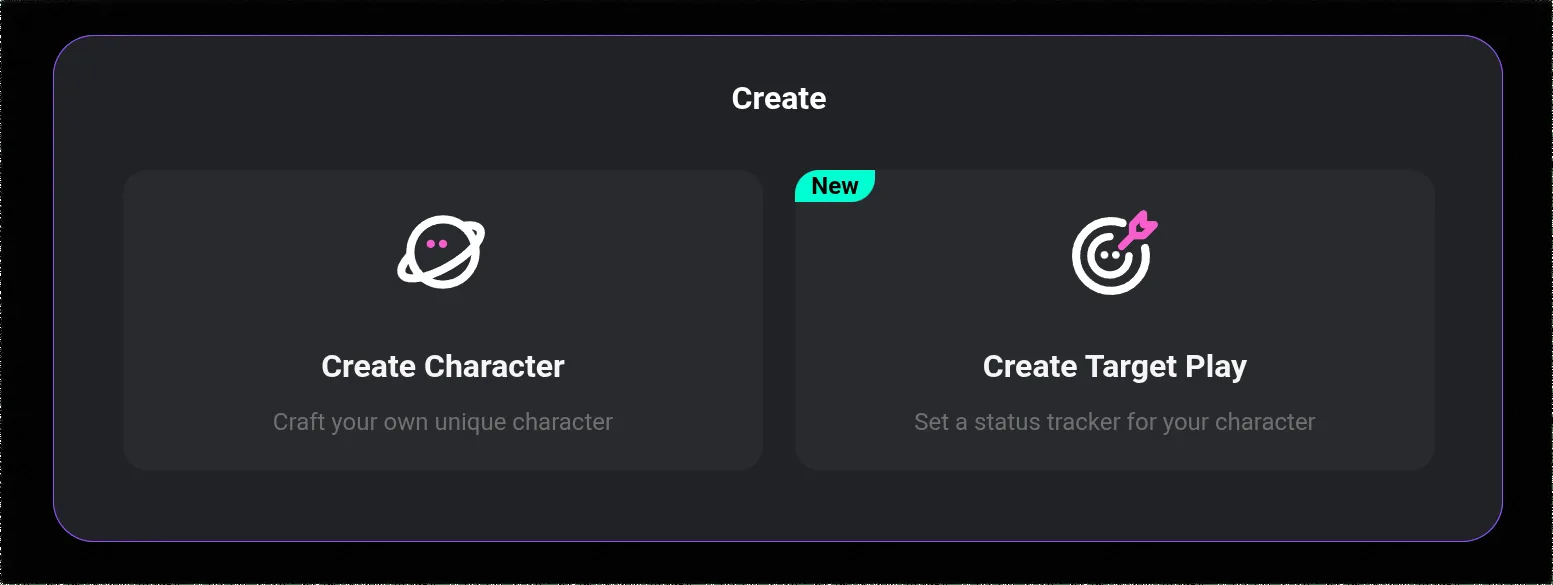
Step 1: Access the Character Creation Tool
- Log in to your CrushOn AI account at crushon.ai
- In the left sidebar, click "Create" or "Create Character"
- The character creation form opens with fields for all relevant details
Step 2: Set the Basic Identity
Name: Choose something memorable that fits the character type. The name appears in the character library and shapes user expectations.
Avatar/Image: Upload an image or generate one using CrushOn AI's built-in tools. The visual creates the first impression for users browsing the library.
Short Description (visible in library): This is the hook — the one or two sentences that appear in search results and character cards. Write this last, after you know the character well. It should communicate the character's appeal clearly.
Tags: Select tags that accurately represent the character type (anime, realistic, fantasy, romance, adventure, etc.). Tags determine which search results and categories surface your character.
Step 3: Define the Personality
This is the most important section. The personality description is what the AI uses to determine how the character speaks, responds, and behaves.
Effective format: Use short, specific declarative statements about the character's traits and behaviors.
Example of a weak personality description:
"She is kind and caring but can be serious sometimes. She likes helping people."
Example of a strong personality description:
"Speaks formally, never uses contractions. Emotionally reserved; shows care through practical actions rather than words. Gets visibly uncomfortable with direct emotional declarations but responds warmly to intellectual discussions. Uses precise vocabulary. Has a dry, understated sense of humor she rarely acknowledges as humor."
Aim for 150-300 words in the personality section. Too short produces flat characters. Too long can confuse the model with contradictions.
Step 4: Write the Backstory
The backstory gives the character history and context. It doesn't need to be long — 100-200 words is sufficient for most characters. The backstory shapes how the character responds to questions about their past and informs their personality traits.
Include:
- Where the character came from
- A defining experience that shaped who they are
- Their current situation or relationship with the world
- What they want or are working toward
A backstory that explains the personality makes the character feel coherent rather than a list of traits bolted onto a blank persona.
Step 5: Define Dialogue Style and Example Messages
First message: This is the opening line the character delivers when a conversation starts. It sets the tone immediately. Make it character-specific — something only this character would say, demonstrating their speech patterns and personality.
Example dialogues: CrushOn AI allows you to provide example conversation exchanges. These are extremely valuable because they show the AI exactly how the character should speak in context. Write 3-5 exchanges that demonstrate different interaction scenarios — casual chat, emotional moment, conflict, etc.
Voice and tone: Specify whether the character speaks formally or casually, uses slang or precise language, is verbose or terse. The model will adapt its output style accordingly.
Step 6: Set Visibility and NSFW Settings
Visibility: Public (searchable in library), Unlisted (only accessible via direct link), or Private (only for your own use).
Content rating: Select the appropriate content rating for your character. Characters with NSFW content enabled will only be visible and usable by users on paid plans with NSFW access. Free users will not see explicitly rated characters.
Step 7: Save and Publish
Review everything before publishing. Once public, other users can interact with your character. You can edit the character after publishing, and edits take effect for future conversations (existing conversations continue with the version at the time of creation).
Ready to try CrushOn AI?
Visit CrushOn AIAdvanced Character Creation Tips
Use the Template System
CrushOn AI provides character creation templates for common archetypes: romance partner, adventure companion, historical figure, fantasy creature, etc. Templates give you a structural starting point that you modify. They're especially useful for first-time creators who aren't sure what to include.
Test Before Publishing
Before making a character public, spend 20-30 messages testing it yourself in private. Check whether the character maintains its defined personality, responds to questions about its backstory accurately, and uses the speech patterns you specified. If the AI ignores key traits, add more explicit behavioral examples to the character card.
Character Cards and Community Sharing
CrushOn AI supports character cards — exportable files containing the full character definition. Cards can be shared in the community (on Discord, Reddit, and other channels), imported by other users, and used as starting points for derivative characters. If you want your character to spread across the community, creating a shareable card version extends your reach beyond the CrushOn AI library.
Memory Feature Integration
For characters designed for ongoing relationships rather than one-off conversations, consider how the memory feature will interact with the character's backstory. The AI's ability to recall earlier conversations improves significantly on higher-tier plans (Deluxe has a 16K context window). Design longer-term characters with this in mind — include details in the backstory that you want the character to reference over time.
For content creation using your characters, see our image generation guide. For model selection to get the best performance from your characters, see our model comparison guide.
Frequently Asked Questions
Yes. Character creation is available to all CrushOn AI users, including those on the free tier. You can create, edit, publish, and delete characters without any subscription. The only NSFW-related restriction is that explicit character content will only be visible to users with paid NSFW-enabled accounts.
Yes. Characters can be edited at any time after creation, including after publication. Changes to the character card affect future conversations but do not retroactively alter existing conversation history.
Consistency comes from specificity in the character card. Provide detailed behavioral descriptions (not just traits), write example dialogues demonstrating how the character speaks, and include a backstory that explains the personality. The more concrete material you give the AI, the more consistently it can replicate the character's voice.
Memory depth depends on the subscriber's plan tier, not the character's definition. Free users have short-term memory. Standard and Premium users have extended session memory. Deluxe subscribers access a 16K context window that enables genuinely persistent memory across sessions. As a character creator, you cannot control this — it's determined by the user's subscription.
Deleting a character removes it from the public library immediately. Existing conversations that users have with that character may remain in their chat history but the character cannot be continued after deletion. Deletion does not affect your account or subscription.
Public characters are automatically discoverable in the library. You can also share a direct link to your character's page from the character profile. For broader community distribution, share the character card file in the CrushOn AI Discord, the character creation subreddit, or on social media.